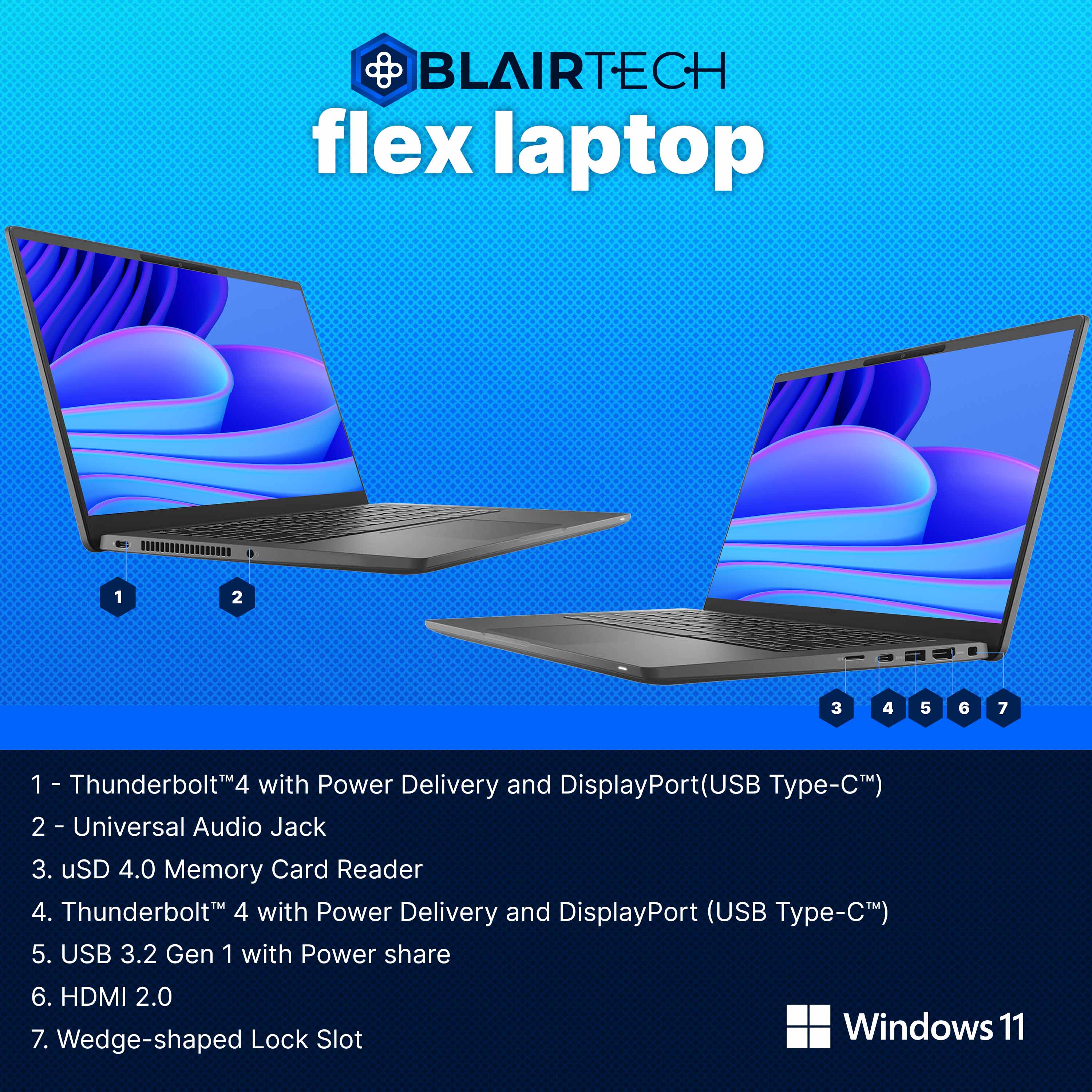


 1 Year Warranty Included
Product Description
BlairTech Flex Laptop
Professional Bundle
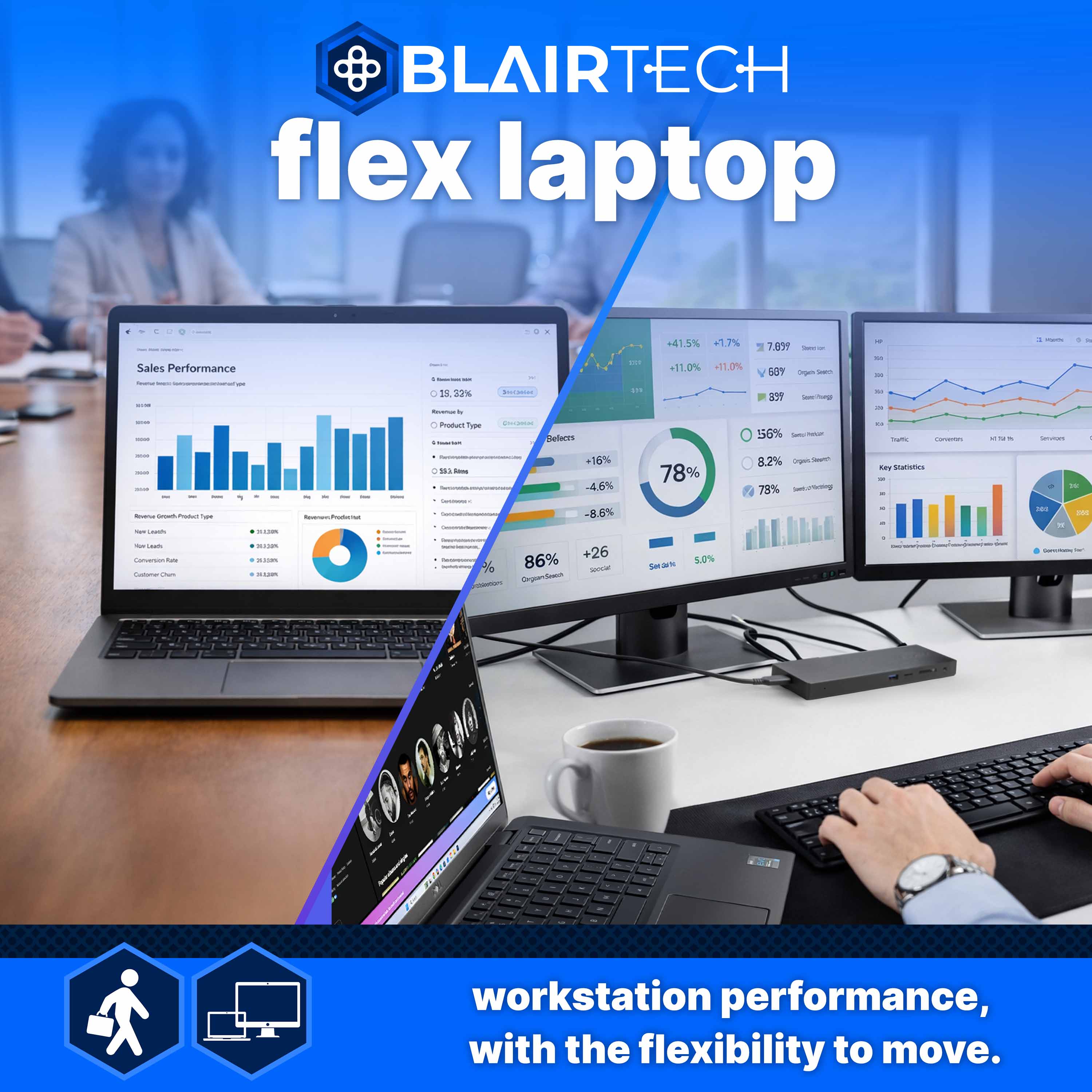
One Laptop. Two Ways to Work.
Why Choose BlairTech Flex Over a Traditional Desktop
The performance of a desktop. The flexibility of a laptop.
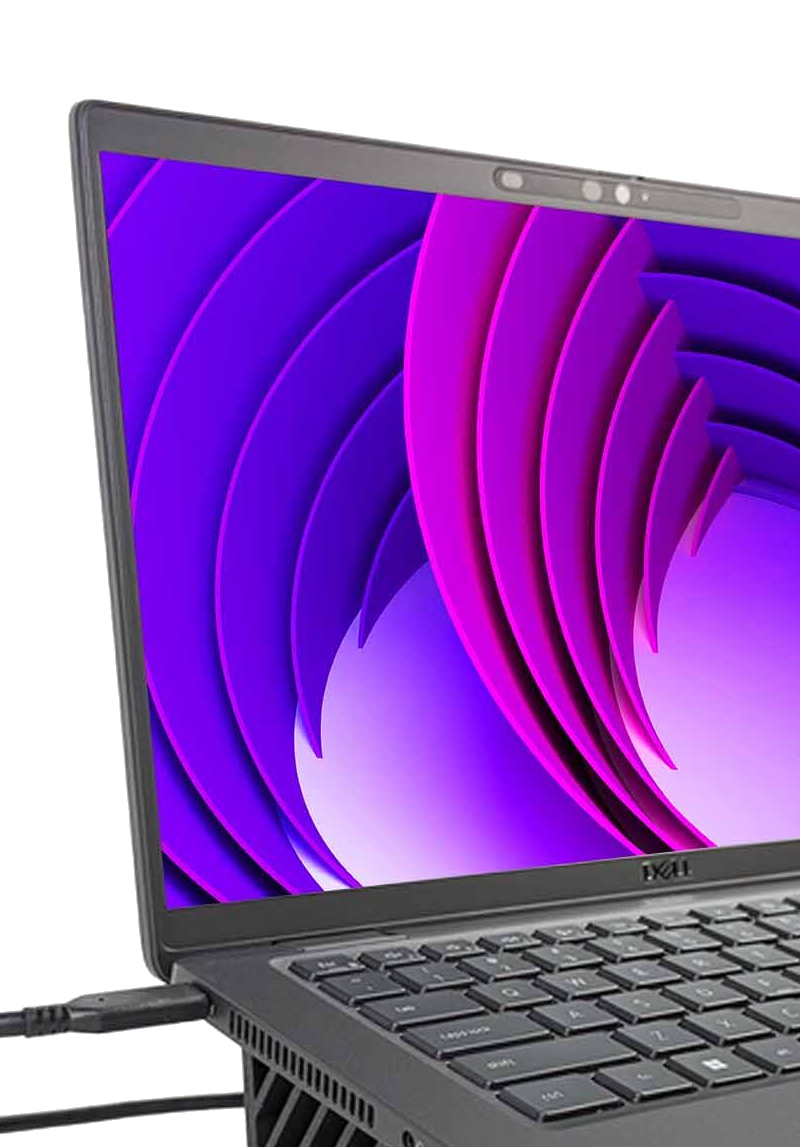
BlairTech Flex combines laptop portability with desktop-level connectivity and performance. Use the included connection hub to dock at home for a full workstation setup, then unplug and take your work anywhere.
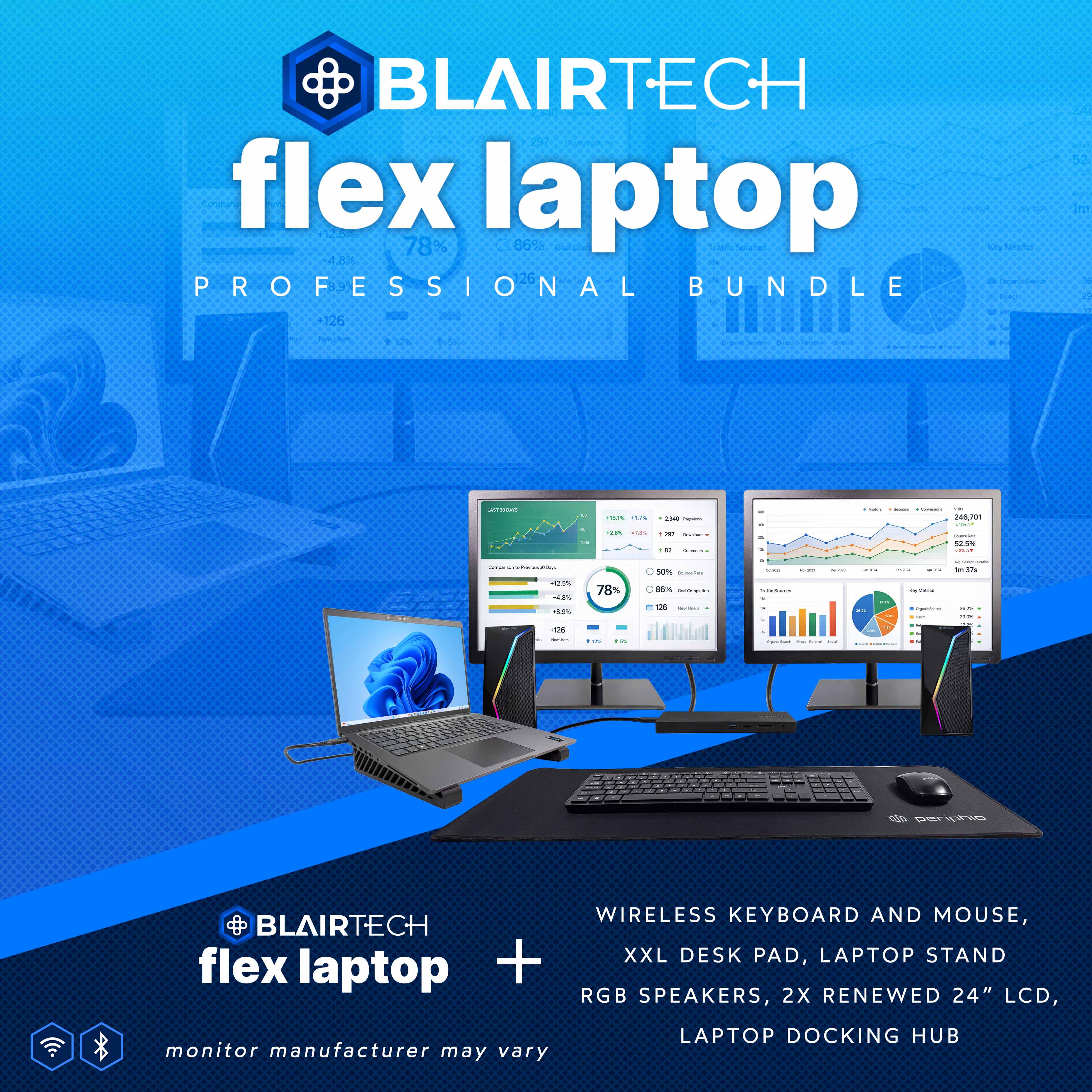
BlairTech Flex Professional Bundle: Maximum screen space. Maximum productivity.
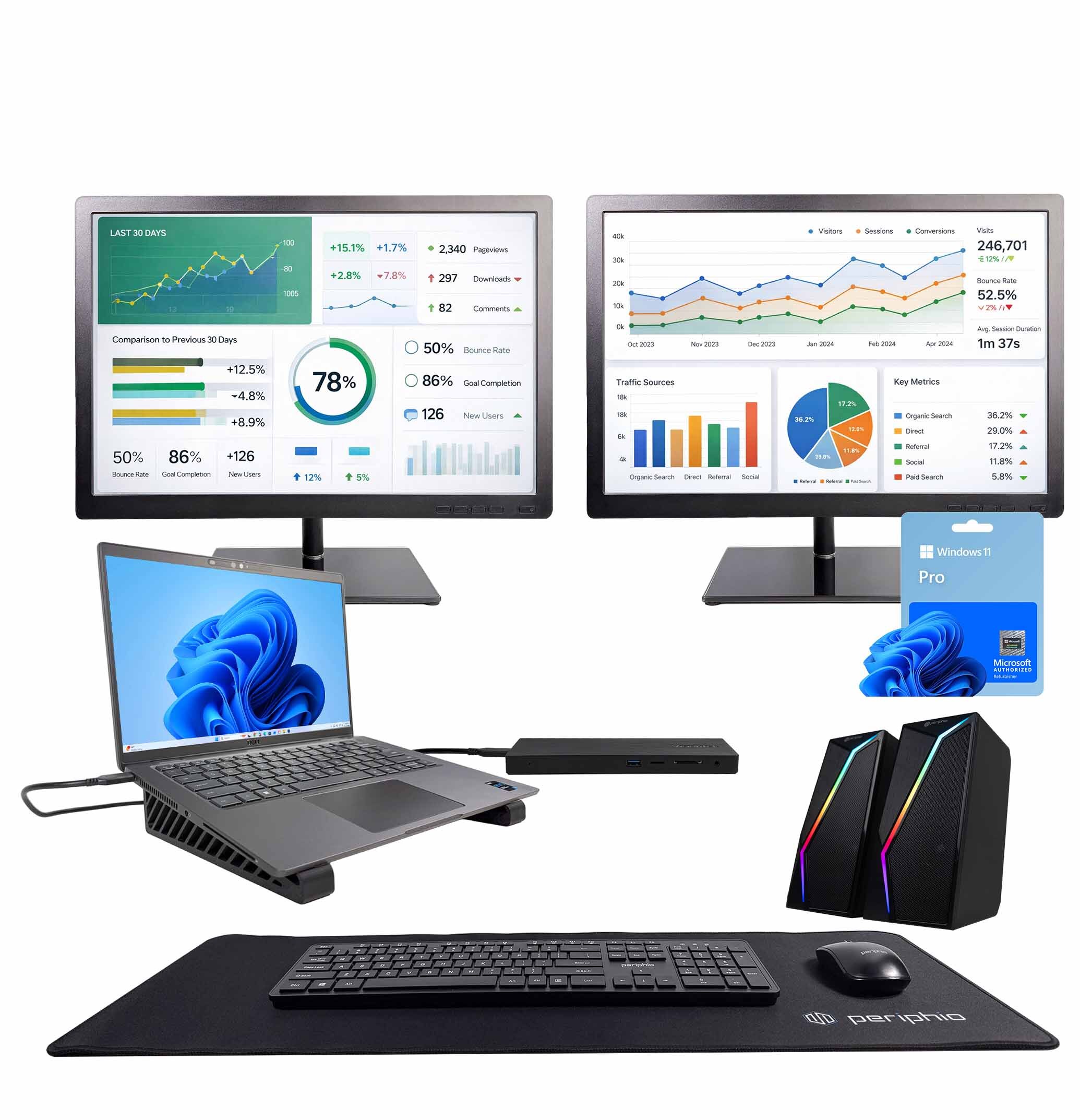
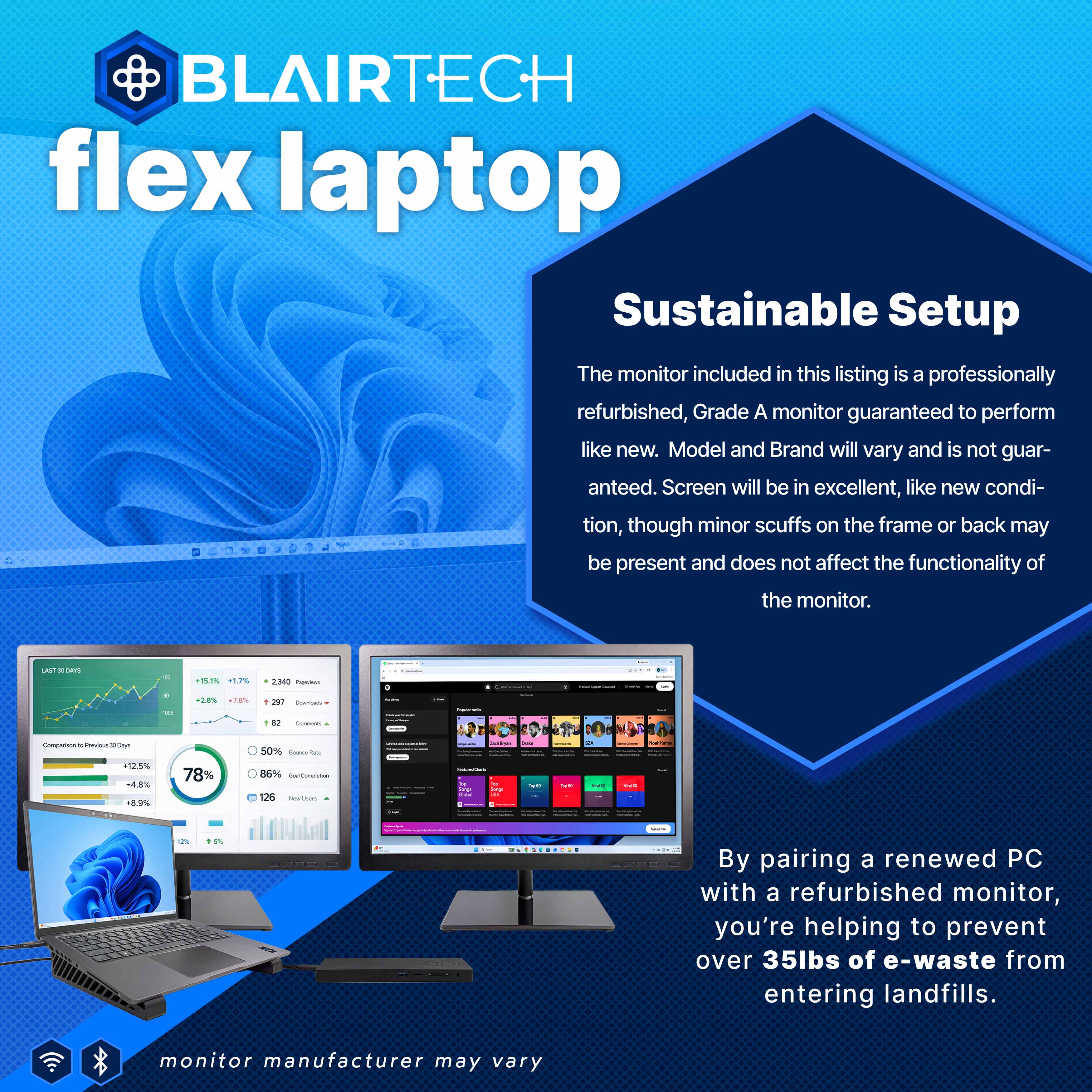
Designed for power users and multitaskers, the Flex Professional Bundle transforms your laptop into a true multi-screen workstation. With dual 24” renewed monitors and extended display support, you can work across three screens simultaneously, perfect for spreadsheets, creative projects, meetings, and multitasking.
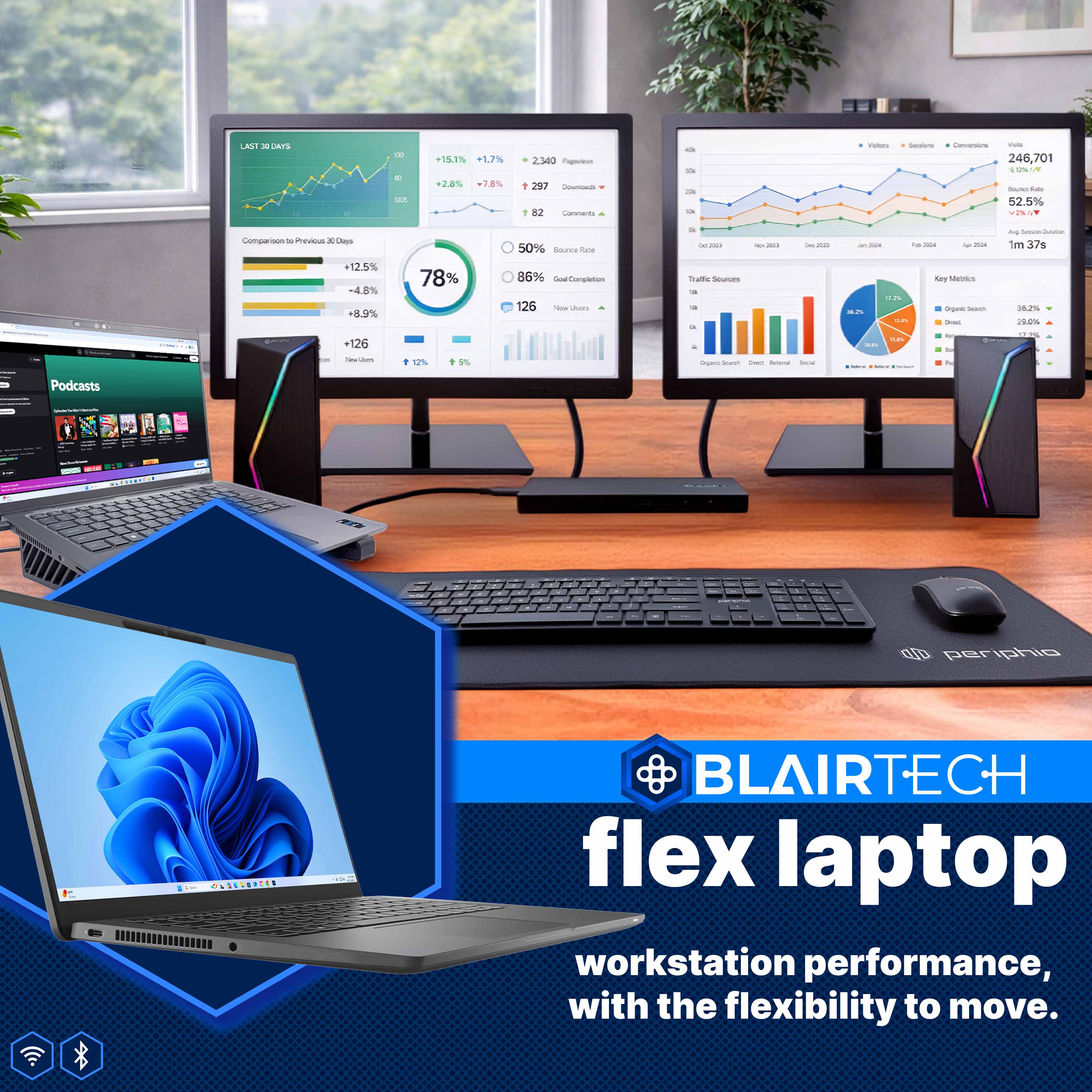
Paired with wireless keyboard & mouse, RGB speakers, and an XL deskmat for a polished, organized workspace, this bundle delivers a professional-grade setup without the need for a traditional desktop tower.
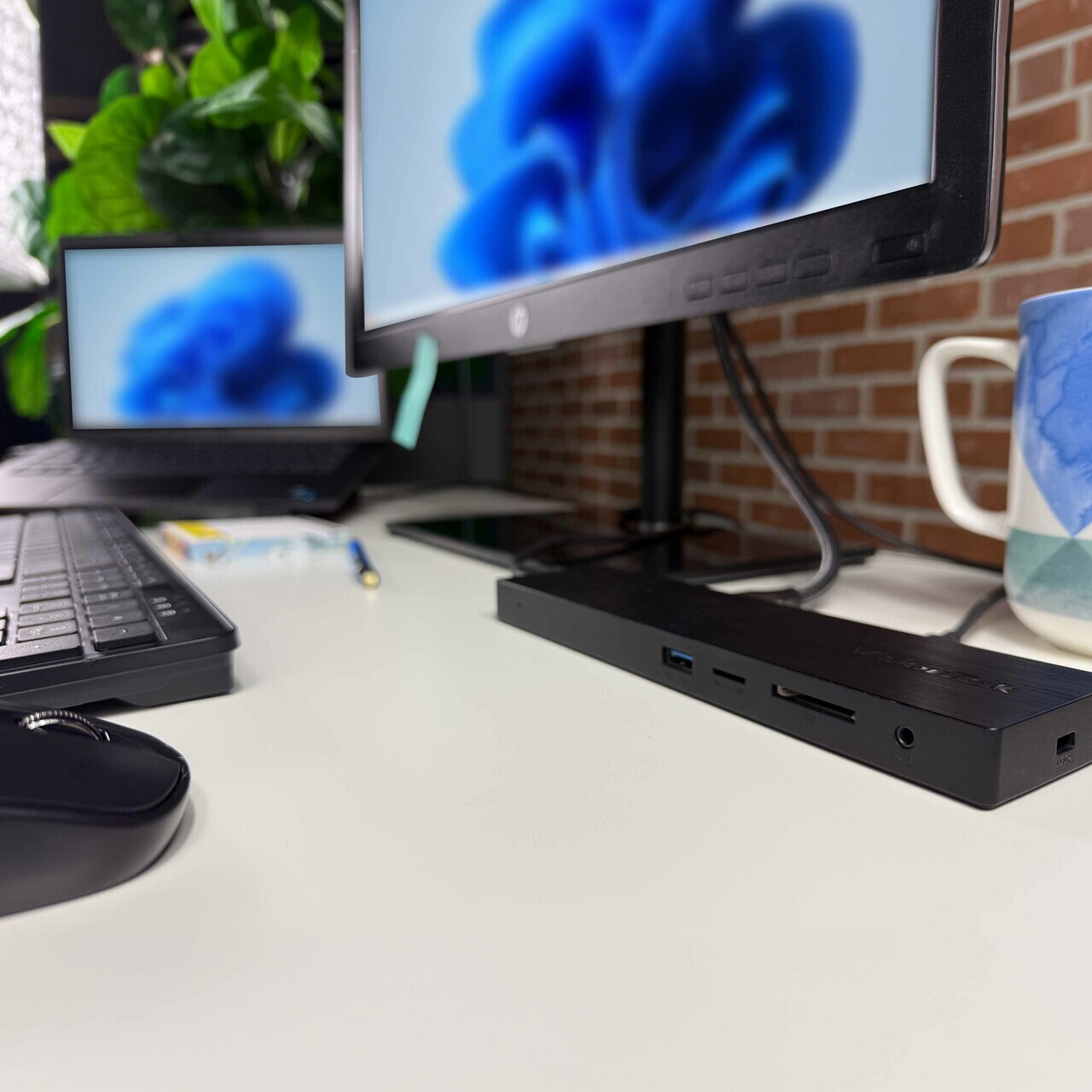
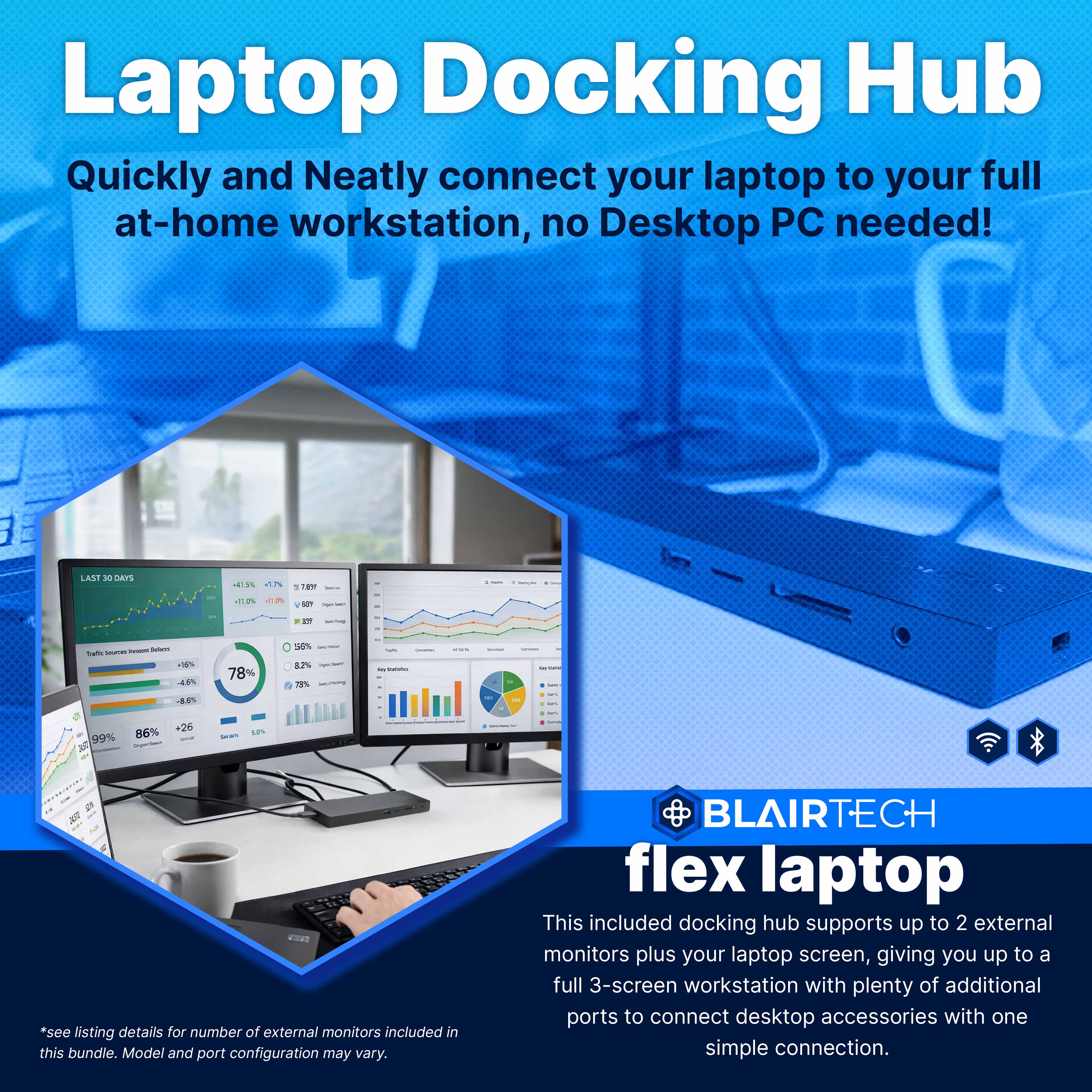
Dock with One Cable
At the center of every BlairTech Flex bundle is a powerful 100W USB-C docking hub designed to transform your laptop into a full workstation. With a single cable connection, the hub powers your laptop while expanding your connectivity.

Take It Anywhere
The BlairTech Flex is ideal for professionals, students, and anyone replacing a traditional desktop with a more flexible solution. Work from class, the kitchen table, the office, or on the go. Your laptop moves with you.
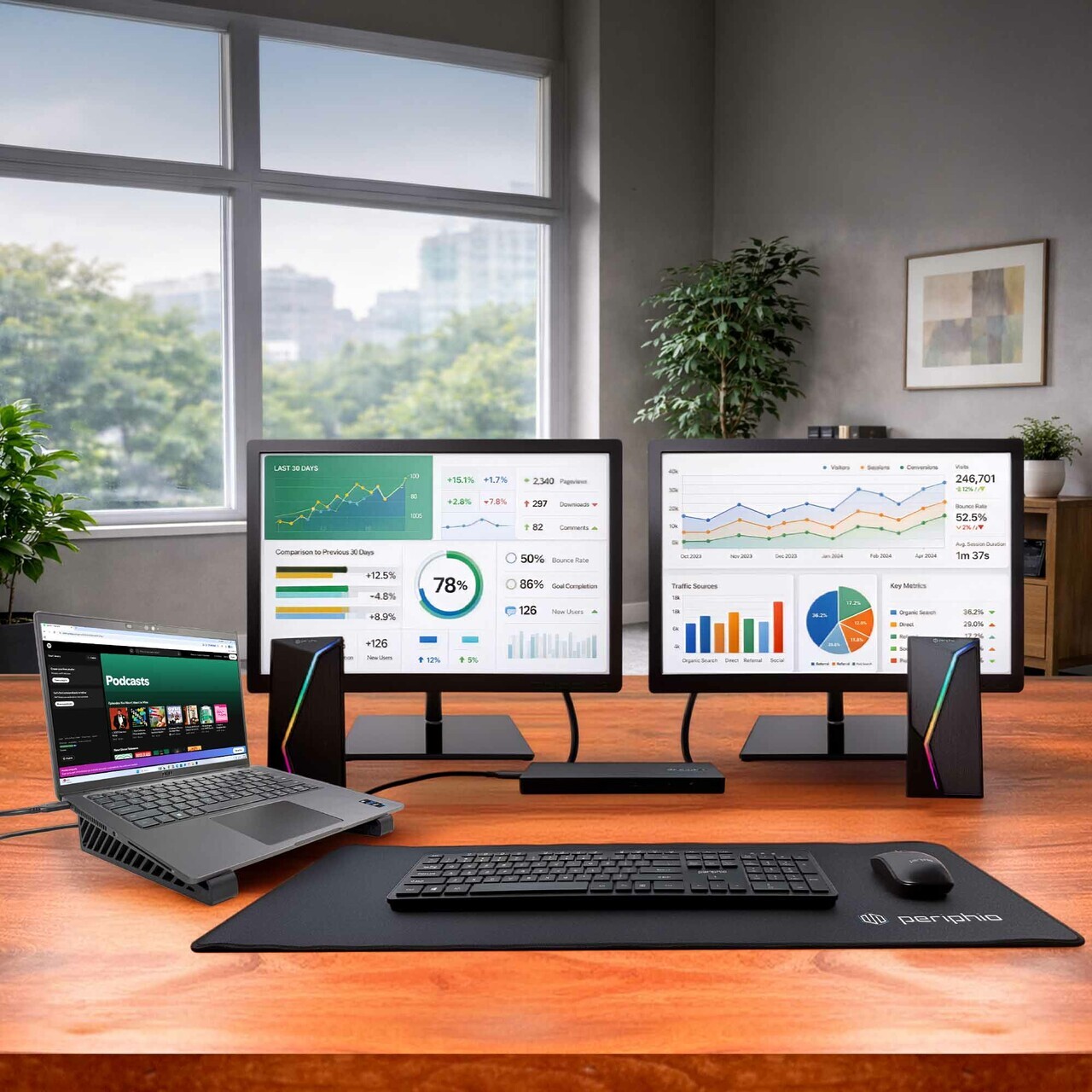
Enjoy a Full Workstation
Easily go from a mobile laptop to a full desktop computer workstation with a single USB-C connection. Add monitors, keyboard, mouse, and more for a complete desktop-style workspace — no desktop PC required.
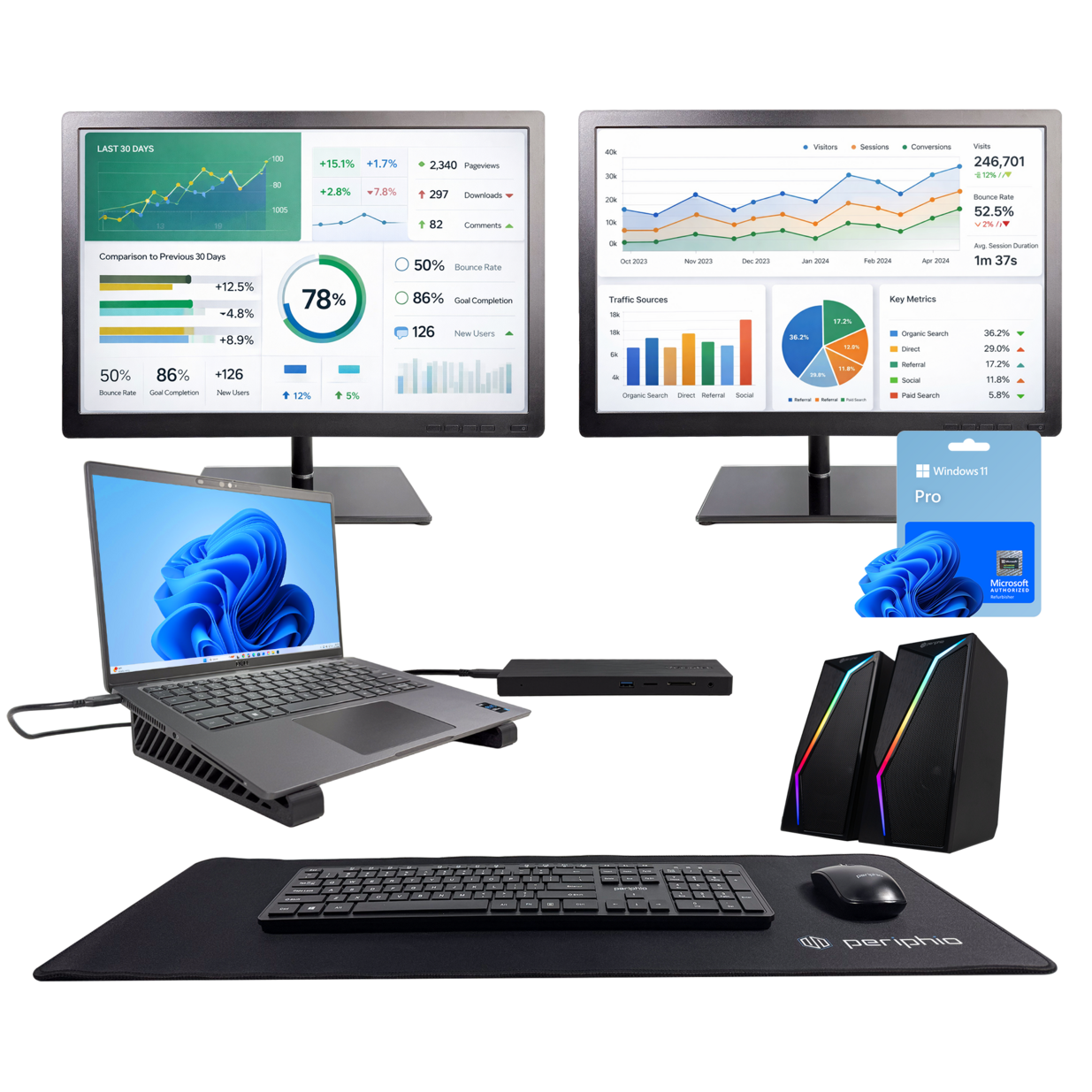
All-in-One Bundle
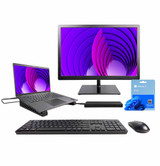
Includes the BlairTech Flex laptop, dual monitors, wireless mouse & keyboard, RGB speakers, desk mat, cooling stand, and a 100W USB-C hub to connect it all — professionally configured, fully compatible, and ready to work!
BlairTech Flex Specs

Processor
The brains of the computer is the processor. This sets the tone for the overall speed of the computer. It does all the hard work, and is the most difficult to replace after you buy. It is important your processor does what you need!

Memory (RAM)
RAM is your PCs short term memory; Every time you reboot it’s fresh and temporarily fills up as you use your computer. More RAM = Faster for Longer!

Storage Drive
Hard Drive or Solid-State Storage is your computers Long Term Memory; Easily expandable, this is where your computer stores all files, programs, and your operating system.

Operating System
Features a new installation of the Microsoft Operating System software, free of bloatware commonly installed from other manufacturers. It will maximize the utility of this PC for years to come.

SCREEN INFO
2 x 24.0" Monitors

VIDEO PORTS / INFO
2 x HDMI
USB PORTS
2 x USB 3.0/3.13 x USB Type-C

CONNECTIVITY
Wireless 802.11ACEthernet (RJ-45) Port

WEBCAM
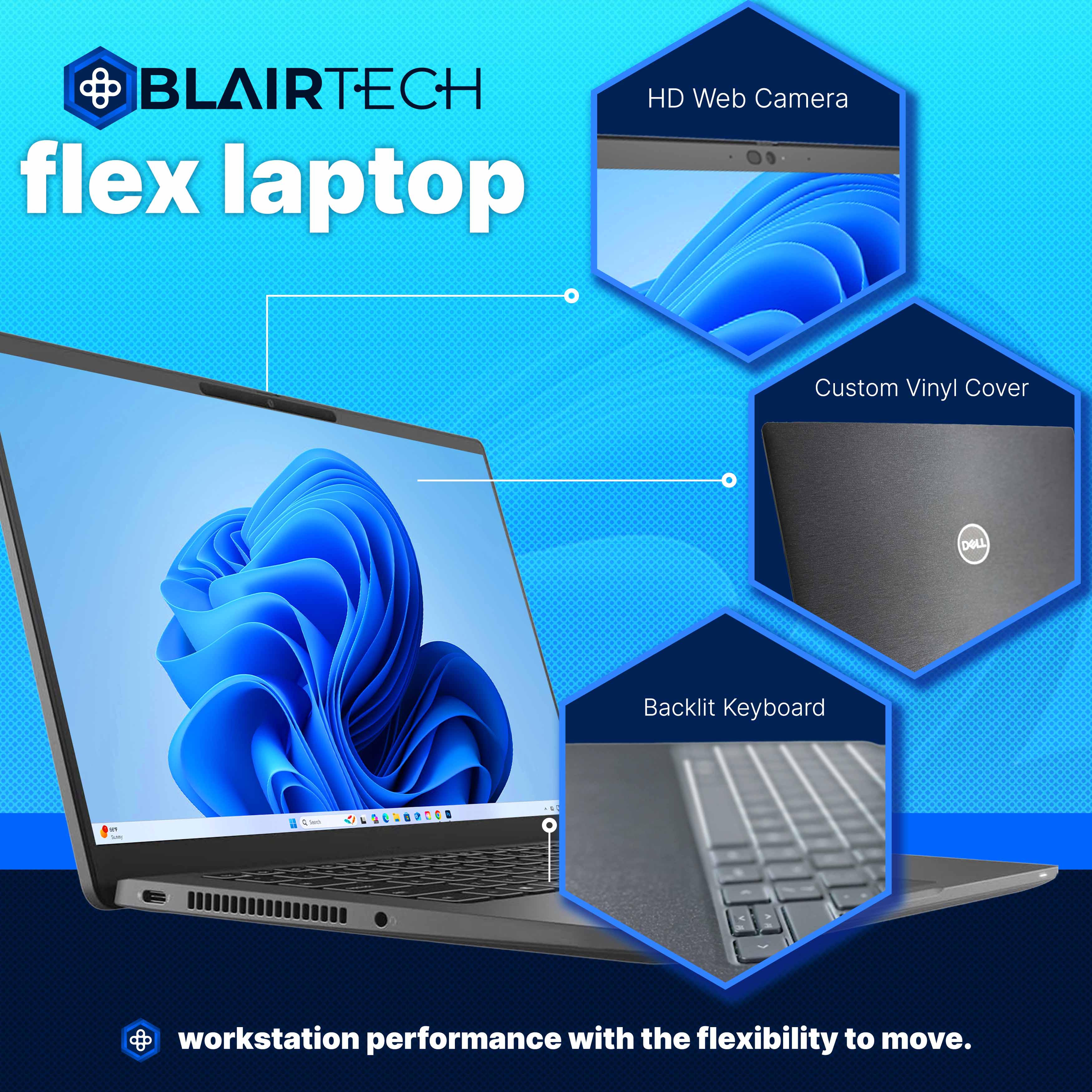
Integrated Webcam
 A Trusted Brand In Renewed PC's
- Blair Tech was established in 2005 and is the largest Microsoft Authorized Refurbisher (MAR) in the world. Our mission is to provide the absolute best in professionally renewed PCs.
- Blair Tech receives thousands of computers a year, and each machine receives expert-level inspections, hardware stress tests, cosmetic repairs, and replacements.
- Blair Tech offers a 1 Year Warranty, a 14 day no-questions asked return policy, and free U.S. Based Technical Support.
 Blair Tech exceeds the definition of Carbon Neutrality while offering renewed, modern technology for the environmentally concious. In partnering with our consumers we’re joining the global effort by saving the world, one PC at a time.
Other Details
Warranty Information
Windows 11 Disclaimer
Windows 11 requires the following hardware configuration to be fully compatible with this machine:
- 8th Gen Intel Core Processor and Up
- TPM 2.0 installed and enabled
- UEFI Firmware enabled with Secure Boot
- DirectX 12 compatible Graphics Card
Please find below some helpful links regarding Windows 11 hardware requirements.
Windows 11 System Specifications
Windows 11 Supported AMD Processors
Windows 11 Disclaimer
Windows 11 requires the following hardware configuration to be fully compatible with this machine:
- 8th Gen Intel Core Processor and Up
- TPM 2.0 installed and enabled
- UEFI Firmware enabled with Secure Boot
- DirectX 12 compatible Graphics Card
Please find below some helpful links regarding Windows 11 hardware requirements.
Windows 11 System Specifications
Windows 11 Supported AMD Processors